Web Terminal
The RESVRL Web Terminal provides browser-based shell access to your virtual machines. it lets you interact with a VM without installing a local SSH client.
Web Terminal
The RESVRL Web Terminal provides browser-based shell access to your virtual machines. it lets you interact with a VM without installing a local SSH client.
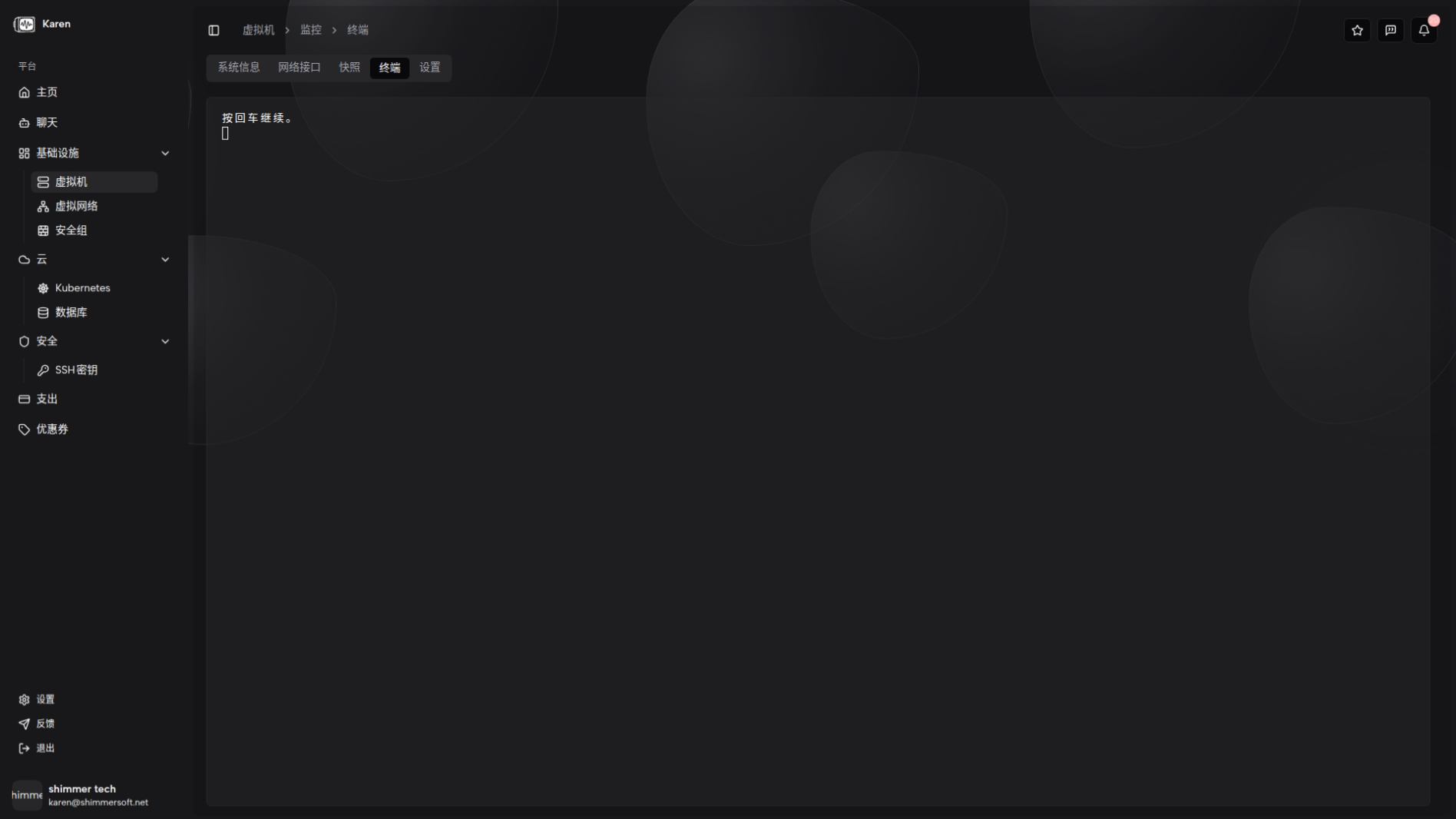
Access
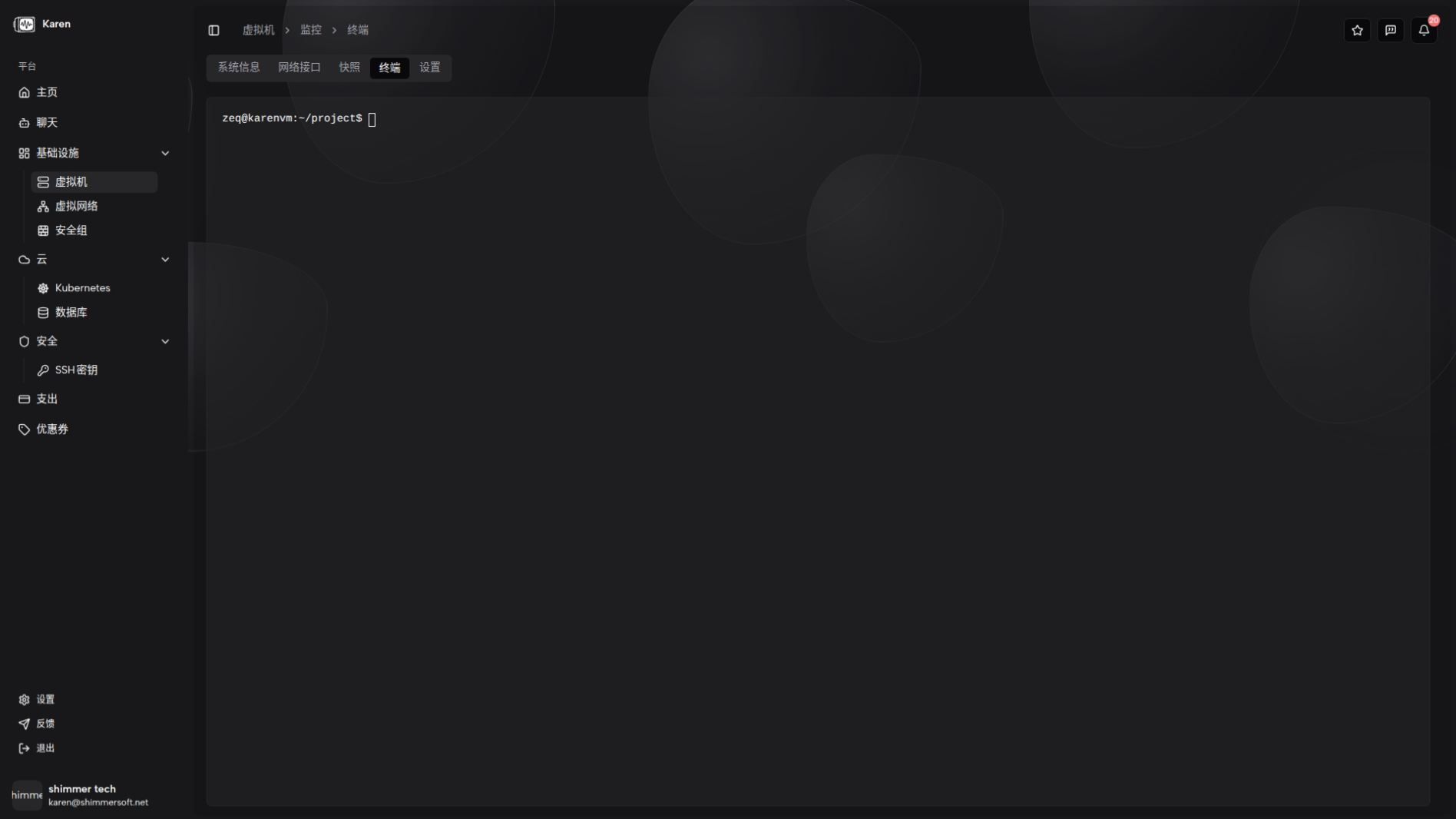
Switch to the Terminal tab on the VM detail page to open the browser-based terminal.
Prerequisites
The VM must be running. Terminal connections can only be established for running instances.
Usage
Type commands in the terminal and press Enter to execute. Copy and paste follow standard browser behavior — use your system clipboard shortcuts.
Session lifecycle
- Connecting — While the WebSocket channel is being established, the terminal shows a "connecting" state.
- Connected — Once connected, keyboard input is sent to the VM via WebSocket and shell output is displayed in the terminal.
- Disconnected — If the connection drops, you can reconnect to resume the session.
Security considerations
The terminal provides direct shell access to the VM with elevated privileges. Ensure only authorized users can access it, and always exit the session when finished.
Limitations
The browser terminal does not fully replace a native SSH client. Advanced features like file transfers (SCP/SFTP) require a native SSH client instead.
Related guides
This document was updated on 2026-04-25 09:00