Kubernetes Storage
Portal provides management of Kubernetes storage resources, including viewing, creating, and deleting Persistent Volume Claims (PVCs) and Storage Classes.
Kubernetes Storage
Portal provides management of Kubernetes storage resources, including viewing, creating, and deleting Persistent Volume Claims (PVCs) and Storage Classes.
Persistent Volume Claims (PVCs)
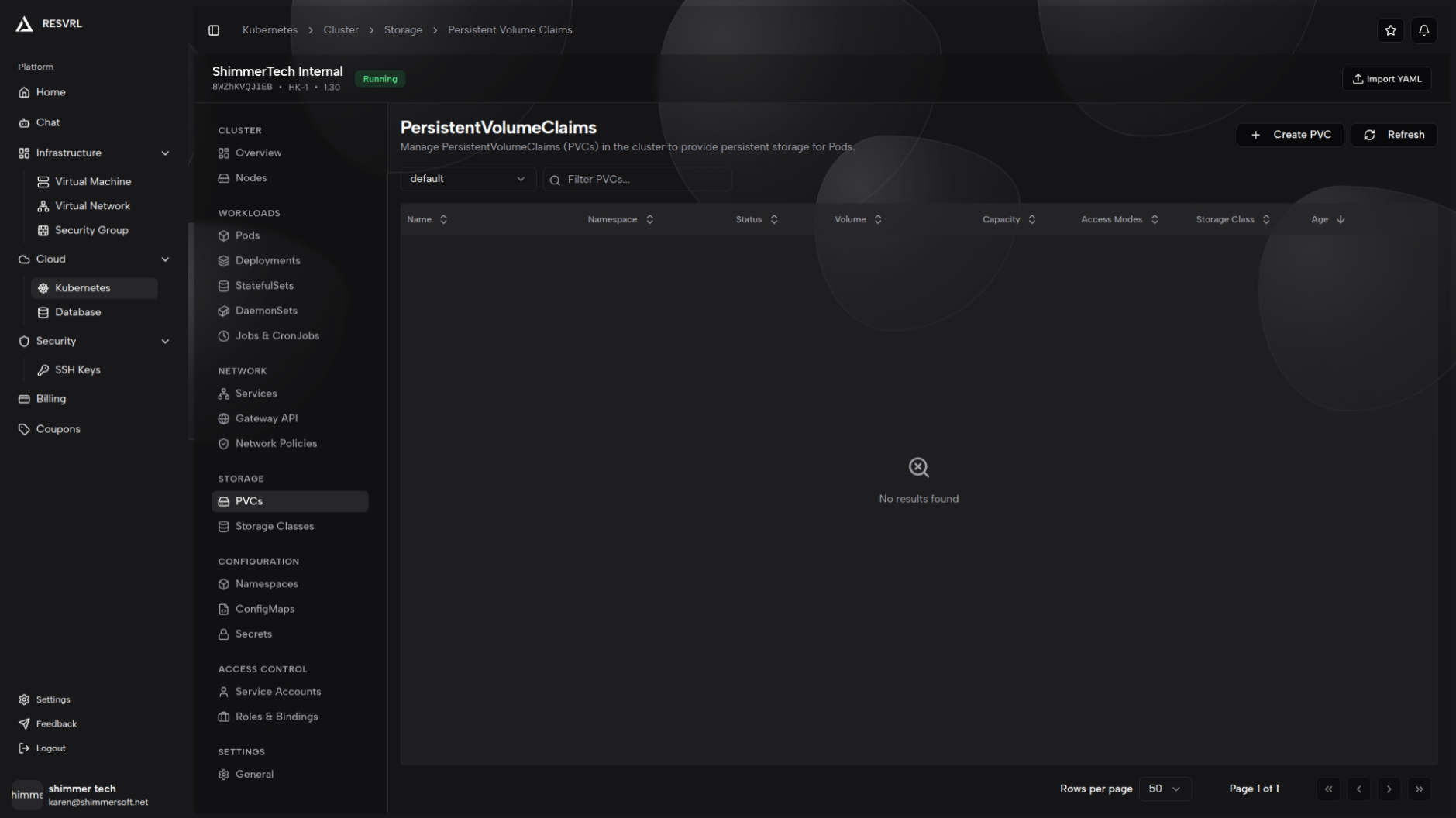
The PVCs list page displays all persistent volume claims in the current namespace. The table includes columns for name, namespace, status (Bound/Pending/Lost), volume, capacity, access modes, storage class, and age. A namespace selector and keyword search are available at the top. The list is sorted by creation time in descending order by default. Click a PVC name to open its detail page.
PVC Detail
The detail page has two tabs: Overview and YAML. The Overview tab shows a basic information card (status, capacity, requested, storage class, access modes, volume mode, volume name, age), a labels card, and an annotations card. The YAML tab displays the full PVC configuration in raw format.
Create and Delete PVC
Click the "Create PVC" button on the list page to open the side creation panel, which supports both form and YAML modes:
- Form mode: Fill in the name, namespace, storage class (optional), access modes, storage size, and selector labels. Name, namespace, access modes, and storage size are required.
- YAML mode: Edit the PVC YAML manifest directly. Content syncs automatically when switching modes.
Access mode options: ReadWriteOnce (single node read-write), ReadOnlyMany (multi-node read-only), ReadWriteMany (multi-node read-write), ReadWriteOncePod (single pod read-write).
PVCs can be deleted from the list page action menu or the detail page. Ensure no Pods are using a PVC before deleting it. PVC storage capacity can only be increased, not decreased.
Storage Classes
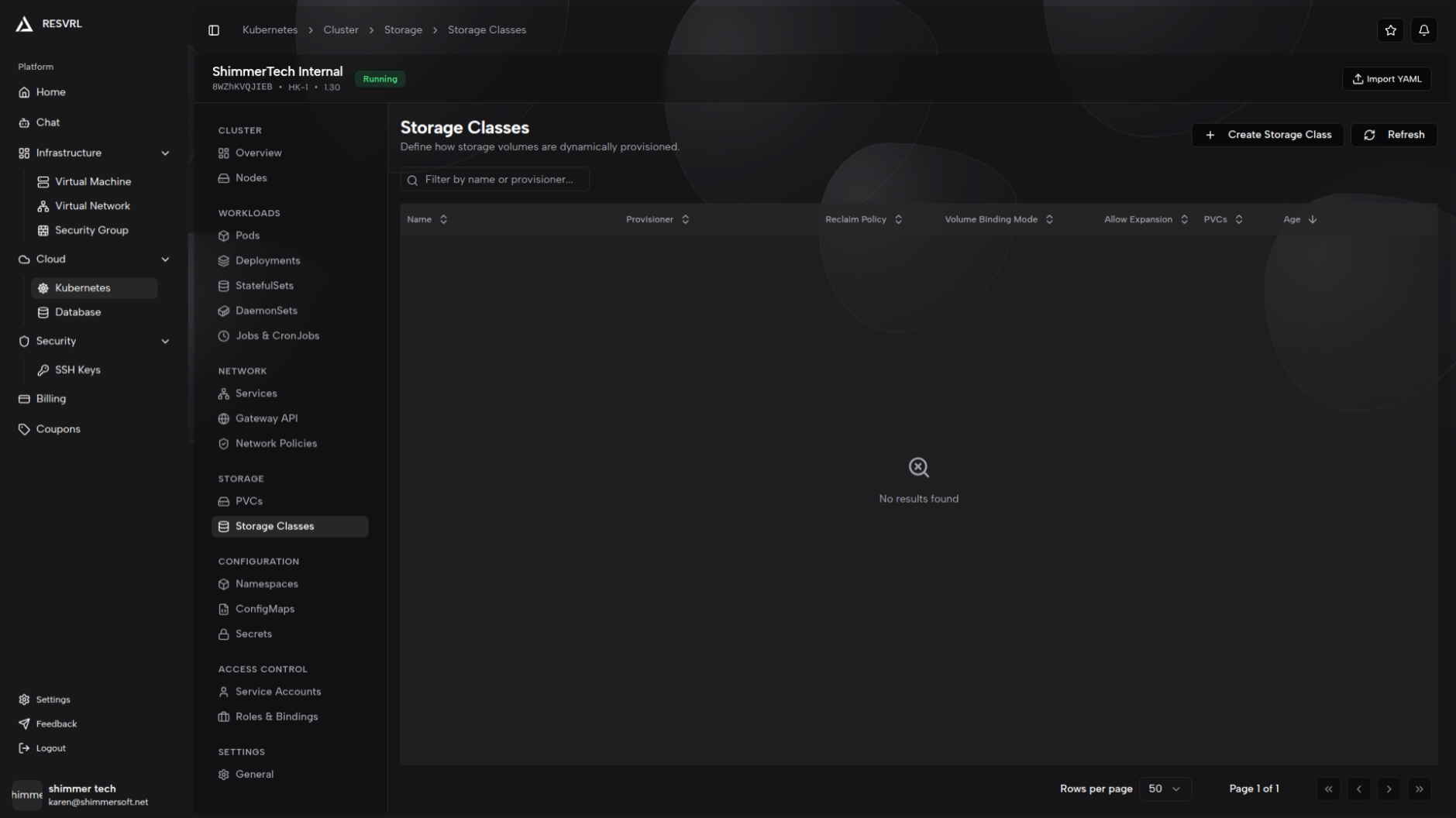
The Storage Classes list page displays all storage class resources in the cluster. The table includes columns for name, provisioner, reclaim policy, volume binding mode, allow volume expansion, PVC count, and age. Keyword search by name and provisioner is available. The default storage class is marked with a badge next to its name.
Storage Class Detail
The detail page has two tabs: Overview and YAML. The Overview tab shows a configuration card (provisioner, reclaim policy, volume binding mode, allow volume expansion), along with separate cards for parameters, mount options, and allowed topologies (if present). The default storage class is marked with a badge next to the title.
Create and Delete Storage Class
Click the "Create Storage Class" button on the list page to open the side creation panel, which supports both form and YAML modes:
- Form mode: Fill in the name, provisioner (dropdown with common storage drivers), reclaim policy (Delete or Retain), volume binding mode (WaitForFirstConsumer or Immediate), allow volume expansion (checkbox), parameters (key-value pairs), and allowed topologies.
- YAML mode: Edit the Storage Class YAML manifest directly.
Name and provisioner are required fields.
Storage classes can be deleted from the list page action menu or the detail page.
Related Docs
This document was updated on 2026-04-25 09:00