VM Settings and Management
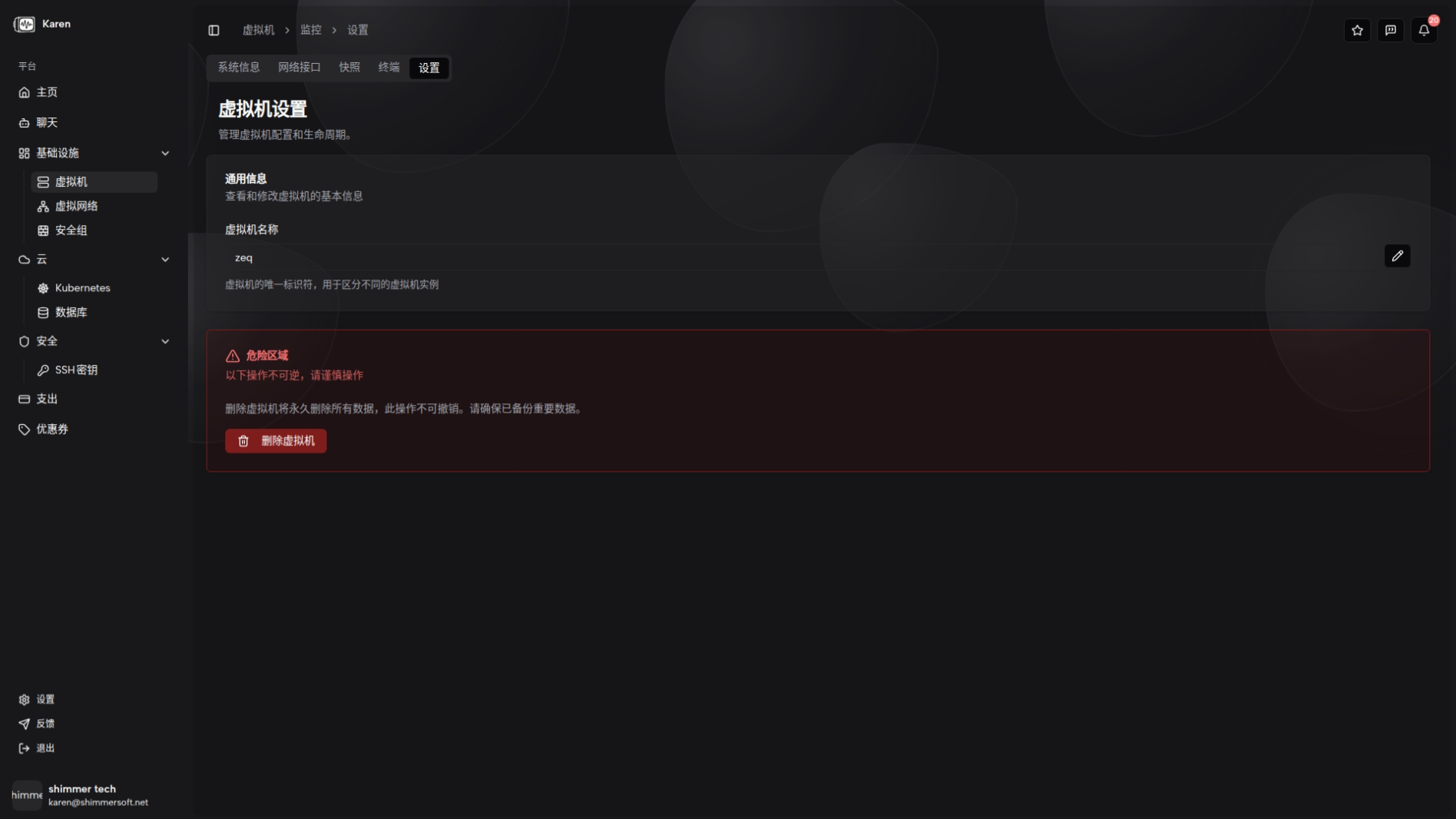
RESVRL Portal exposes VM settings from the VM detail page. Open Settings to manage the instance.
VM Settings and Management
RESVRL Portal exposes VM settings from the VM detail page. Open Settings to manage the instance.
Accessing Settings
Open the VM detail page and select Settings. The page groups related actions and presents destructive operations with clear confirmation dialogs.
Rename Instance
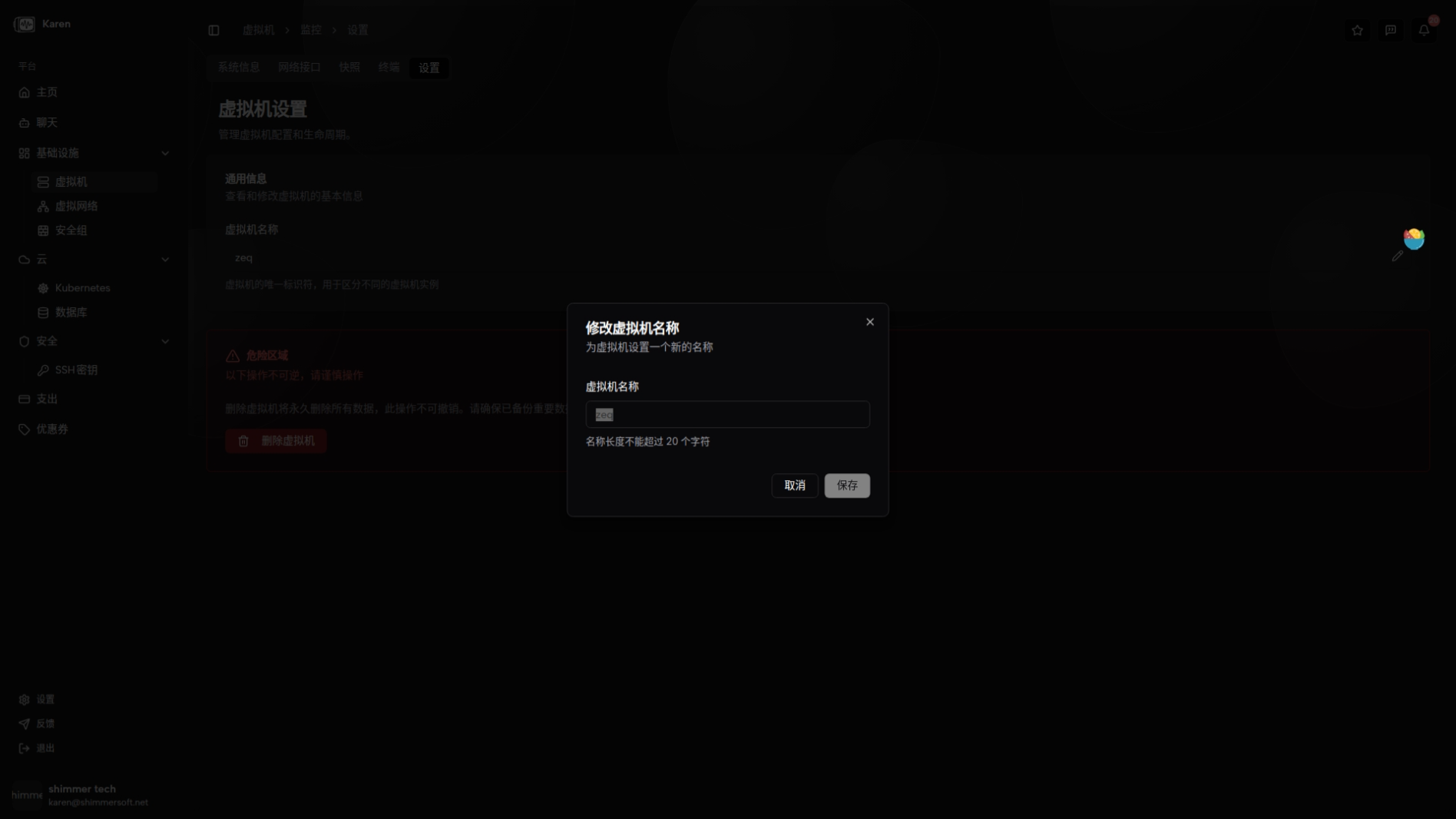
In the general information area, you can click the edit icon to rename the VM. The name field shows the current value and a text input lets you set a new name. Names are limited to 20 characters. After submitting, the VM name is updated and the detail page refreshes to reflect the new name.
Delete VM
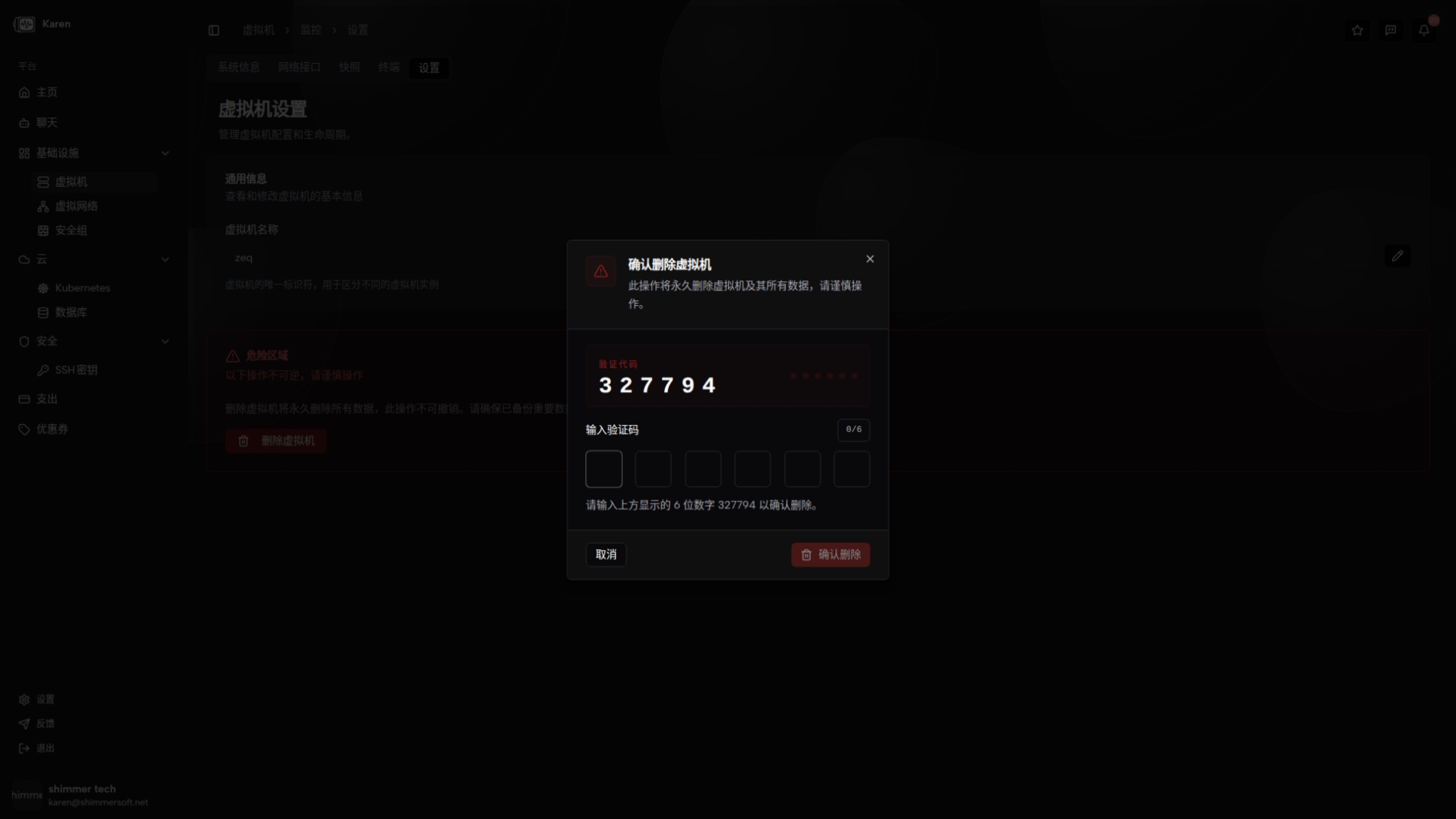
Deleting a VM is destructive and will trigger cascade cleanup of related resources. A confirmation dialog ensures you intend to permanently remove the VM.
Related guides
This document was updated on 2026-04-25 09:00