Kubernetes Networking
This section covers the management of network-related resources in Kubernetes clusters, including Services, Gateway API, and Network Policies.
Kubernetes Networking
This section covers the management of network-related resources in Kubernetes clusters, including Services, Gateway API, and Network Policies.
Services
The Services list page displays all Service resources in the current namespace. The table includes columns for name, namespace, type, cluster IP, external IP, selector, endpoints status, ports, and age. Namespace filtering and keyword search are available.
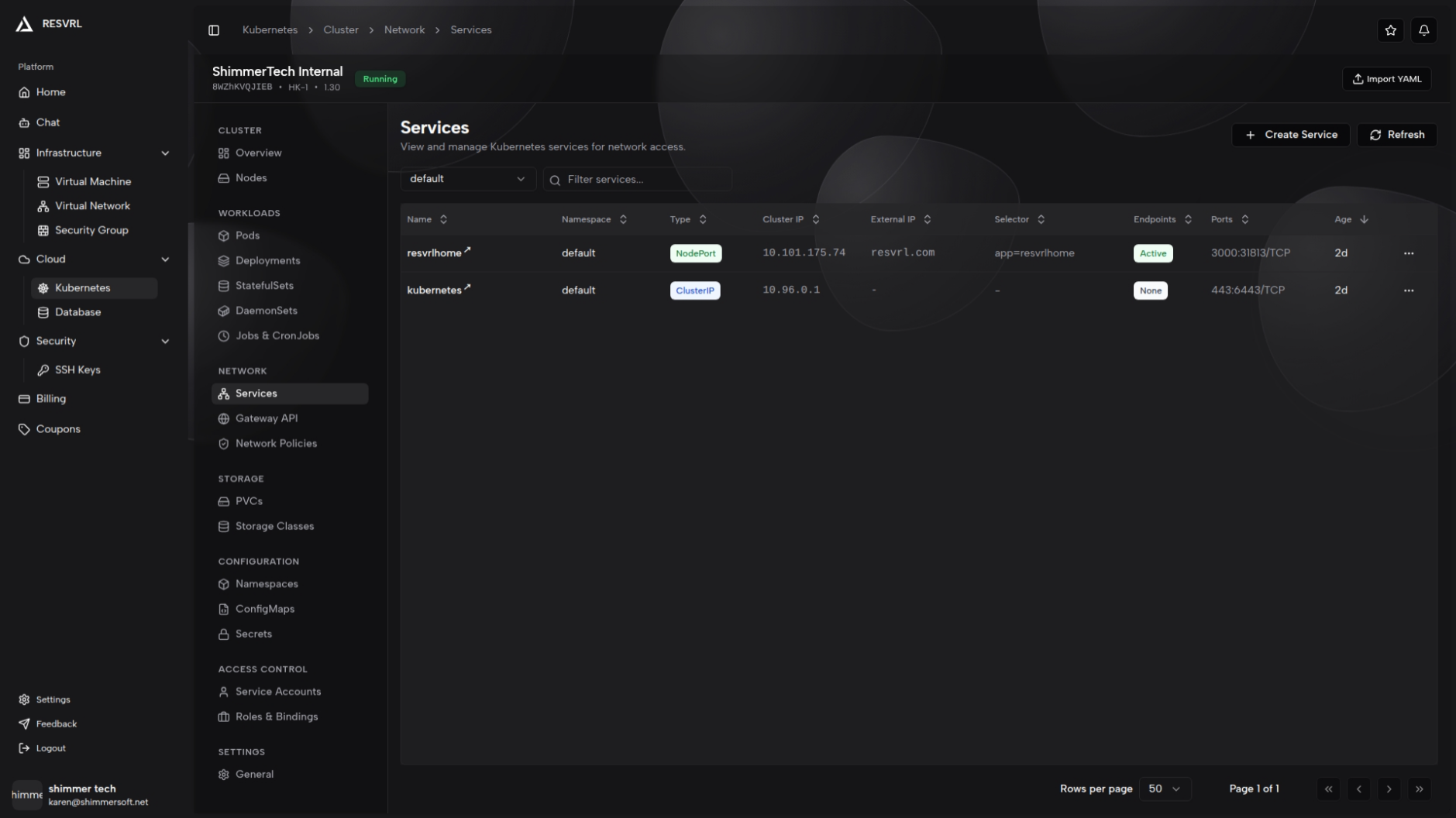
Service types are distinguished by colored badges: ClusterIP (blue), NodePort (green), LoadBalancer (purple), and ExternalName (orange). Endpoints status shows as Active (green), External (purple), or None (gray).
Create Service
Click the "Create Service" button to open a side panel with both form and YAML modes. In form mode, you can configure the following fields:
- Name: The service name. Required.
- Namespace: Select from the dropdown. Required.
- Service Type: ClusterIP (default), NodePort, or LoadBalancer.
- Cluster IP: Optional. Can be manually specified.
- Selector: Select Pod label key-value pairs from dropdowns to target specific Pods.
- Ports: Add multiple port mappings, each with a name, protocol (TCP/UDP/SCTP), port, and target port. When NodePort or LoadBalancer type is selected, a node port field also appears.
- Advanced Options (LoadBalancer only): Session affinity (None/ClientIP), external traffic policy (Cluster/Local), health check node port.
Validation rules: Name and namespace are required. At least one valid port is needed. LoadBalancer port range is limited to 1024–65535.
Service Detail
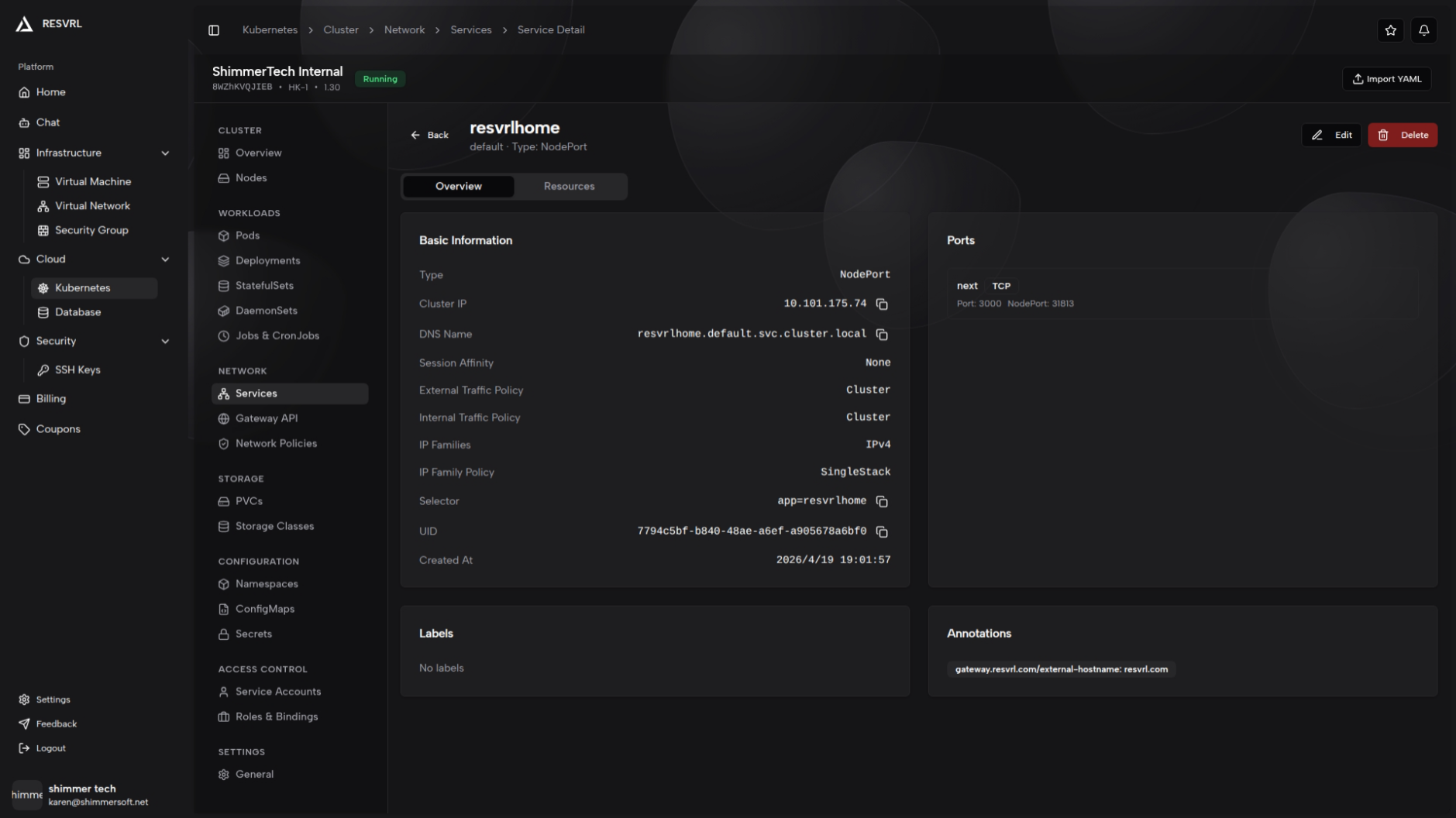
Click a service name in the list to open its detail page. The header shows the service name, namespace, and type, with edit and delete actions.
The detail page has two tabs:
- Overview: Displays basic info (type, cluster IP, DNS name, external IPs, LoadBalancer ingress, session affinity, traffic policies, etc.), port mapping list, labels, and annotations. If the service type is LoadBalancer and the IP has not been assigned, a pending notice is shown. If no selector is configured, a blue info banner appears.
- Resources: Shows endpoints details (ready addresses, not-ready addresses, endpoint ports), matching Pods list (name, status, IP, node), and associated events.
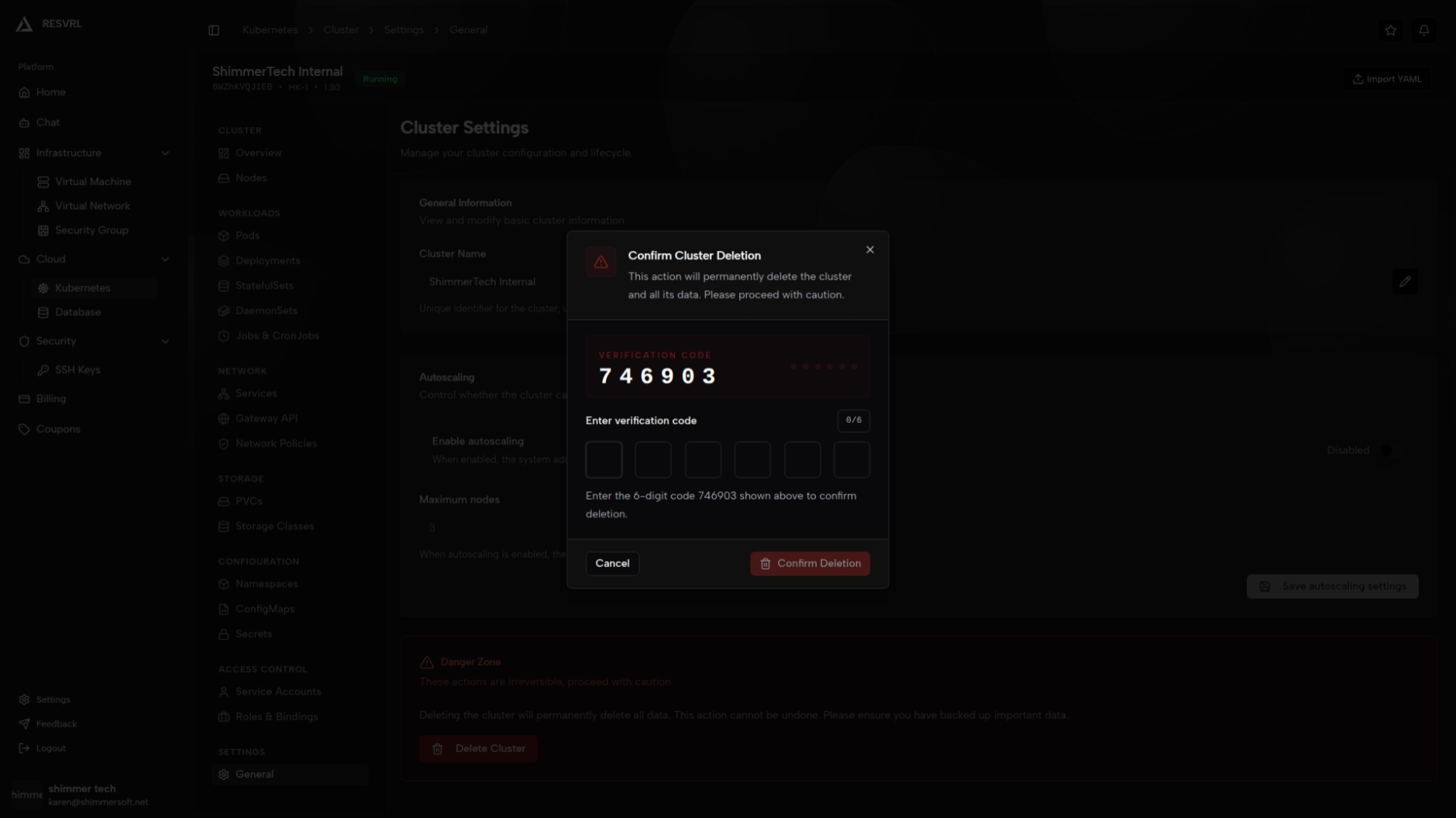
Delete Service
Click delete from the list action menu or the detail page, then confirm in the dialog.
Gateway API
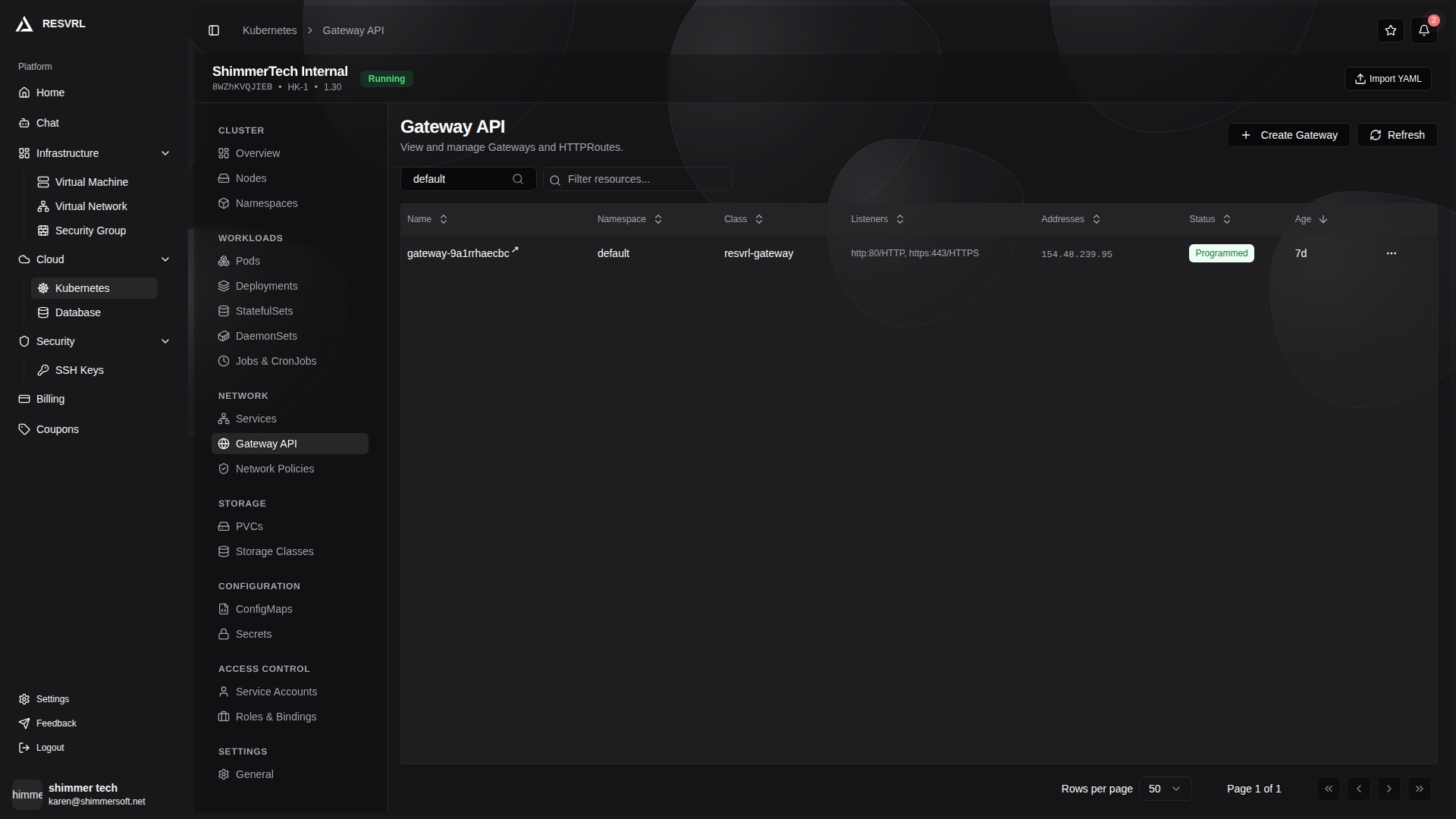
The Gateway list page displays all gateway resources. The table includes columns for name, namespace, Gateway class, listeners, addresses, status, and age. Namespace filtering and keyword search are available. Gateway status is shown with badges: Programmed (green) or NotProgrammed (red).
Create Gateway
Click the "Create Gateway" button to open the creation panel. Configure listeners with name, port, protocol, and hostname.

Gateway Detail
Click a gateway name to open its detail page, which contains the following tabs:
Overview
Displays basic info (Gateway class, creation time, UID), address list, listeners table (name, port, protocol, hostname), status conditions (type, status, reason), labels, and annotations.
HTTP Routes
Displays the list of HTTPRoute resources associated with this gateway. Click "Create HTTPRoute" to add a new route. The HTTPRoute creation/edit form includes:
- Parent Gateway: Select the gateway to bind to.
- Hostnames: One per line, or comma-separated. Leave empty to match all hosts.
- HTTPS: Enable automatic SSL/TLS certificates via Let's Encrypt. When enabled, the route binds to an HTTPS listener.
- Request Match: Define route match conditions including method (any or specific) and path rules (prefix/exact/regex).
- Backend Service: Select the target Service and port. HTTPRoute requires the target Service to be of type NodePort or LoadBalancer.
L4 Routes
The gateway detail page also shows TCPRoute and UDPRoute resources (L4 routes) for non-HTTP traffic routing. Create, edit, and delete operations are supported.
Network Policies
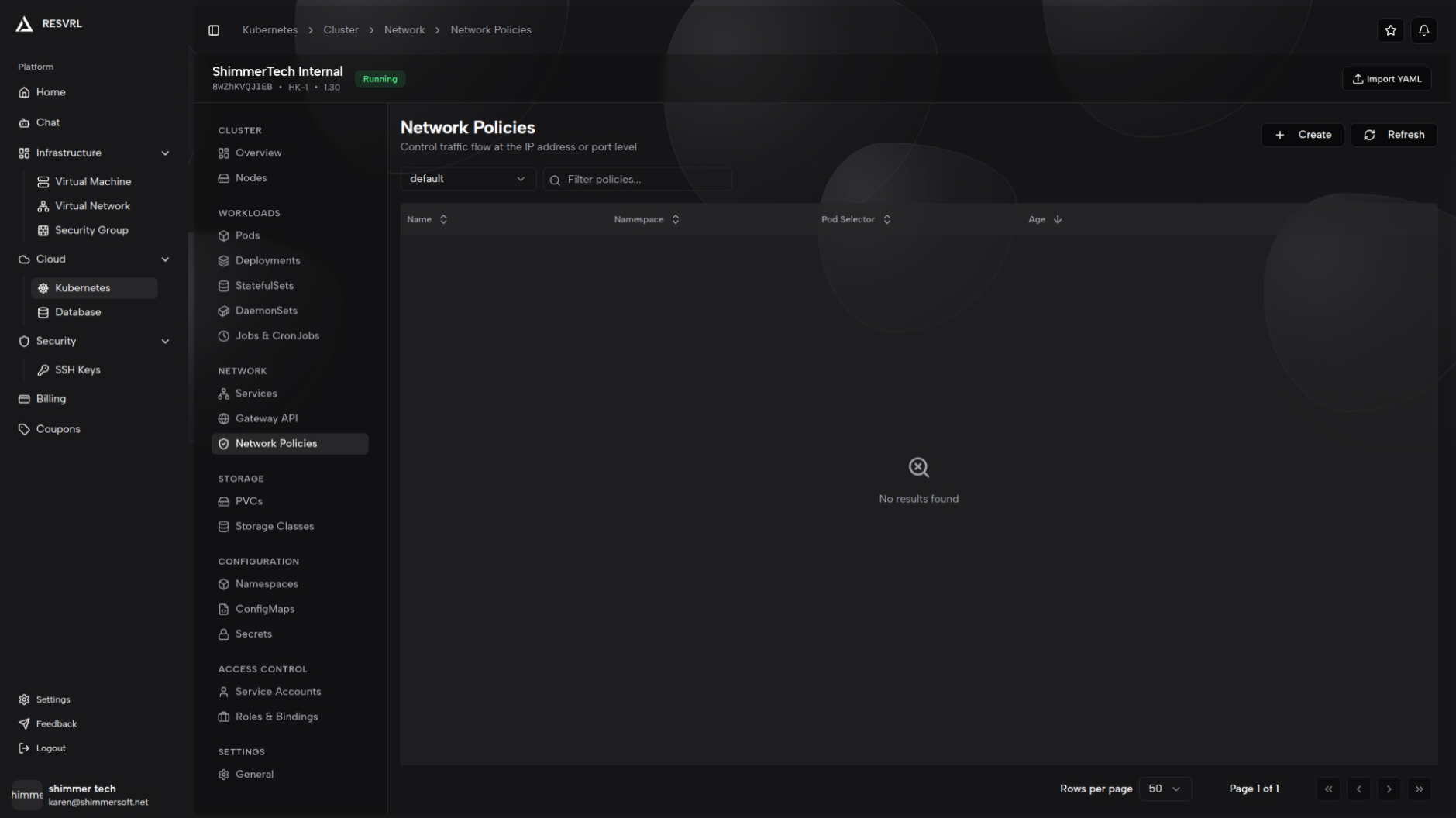
The Network Policies list page displays all NetworkPolicy resources in the current namespace. The table includes columns for name, namespace, pod selector, and age. Namespace filtering and keyword search are available.
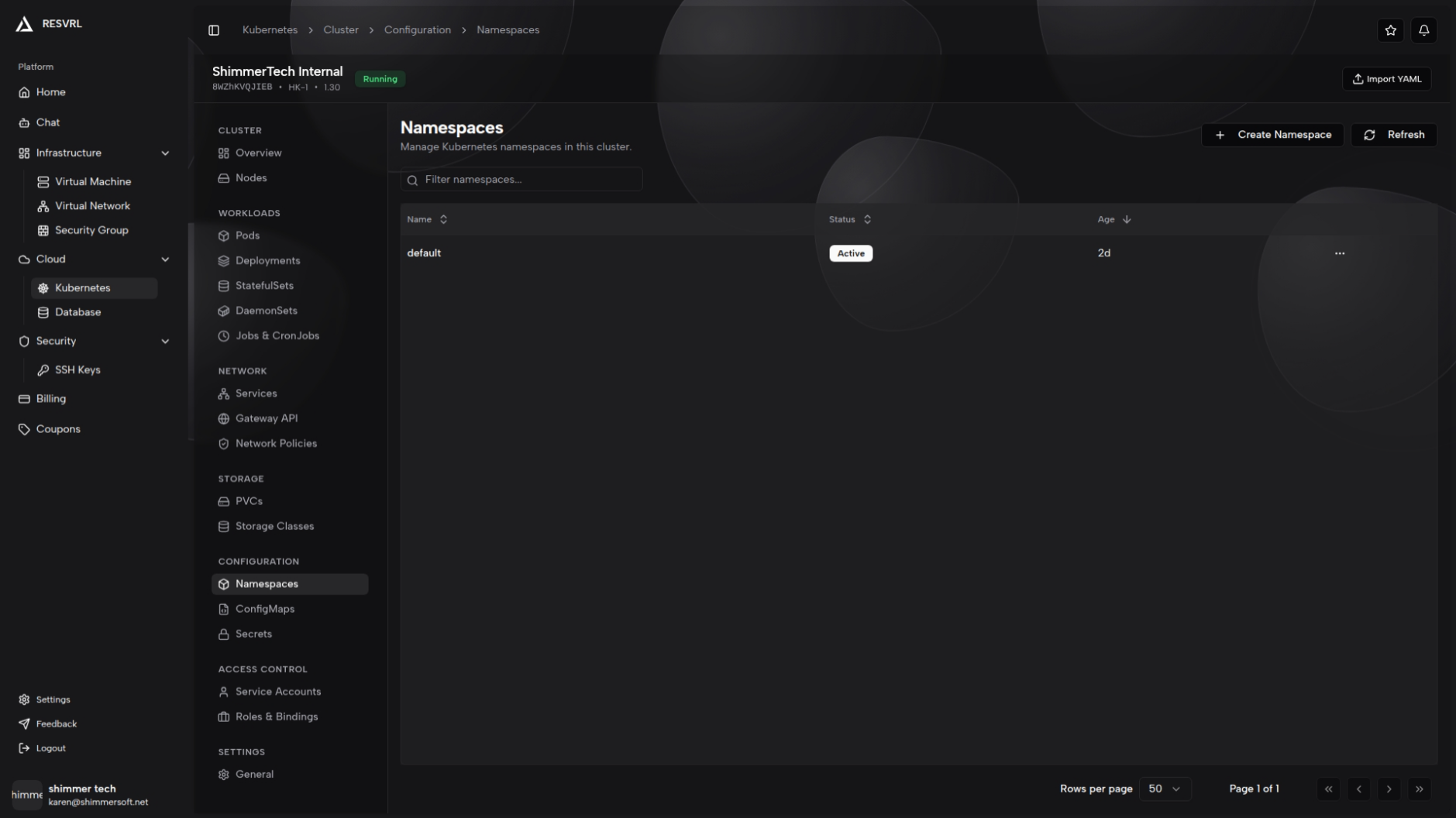
Create Network Policy
Click the "Create" button to open a side panel with both form and YAML modes. A "Default Deny" template shortcut at the top generates a policy that denies all ingress and egress traffic with one click.
In form mode, you can configure the following fields:
- Name: The policy name. Required.
- Namespace: Select from the dropdown. Required.
- Policy Types: Check Ingress and/or Egress.
- Pod Selector: Select target Pods by label key-value pairs. Leaving it empty matches all Pods in the namespace (a confirmation prompt will appear).
- Ingress Rules (shown when Ingress is enabled): Add multiple rules, each containing source pod selectors, source namespace selectors, source IP blocks (CIDR), and ports (protocol + port number).
- Egress Rules (shown when Egress is enabled): Mirrors the ingress structure with destination pod selectors, destination namespace selectors, destination IP blocks, and ports.
Validation rules: Name and namespace are required. At least one policy type must be selected. If no pod selector is configured but rules are defined, a confirmation prompt appears.
Network Policy Detail
Click a policy name to open its detail page, which contains three tabs:
- Overview: Statistics cards (ingress rules count, egress rules count, total ports, total peers), basic info, pod selector, metadata summary, labels, and annotations.
- Selectors: Displays ingress and egress peer selector details, including pod selectors, namespace selectors, and IP blocks.
- Rules: Displays ingress and egress rules separately, listing source/destination peers and ports for each rule.
Related Docs
This document was updated on 2026-04-25 09:00