Kubernetes Configuration
This section covers the management of Kubernetes configuration resources, including the creation, viewing, editing, and deletion of Namespaces, ConfigMaps, and Secrets.
Kubernetes Configuration
This section covers the management of Kubernetes configuration resources, including the creation, viewing, editing, and deletion of Namespaces, ConfigMaps, and Secrets.
Namespaces
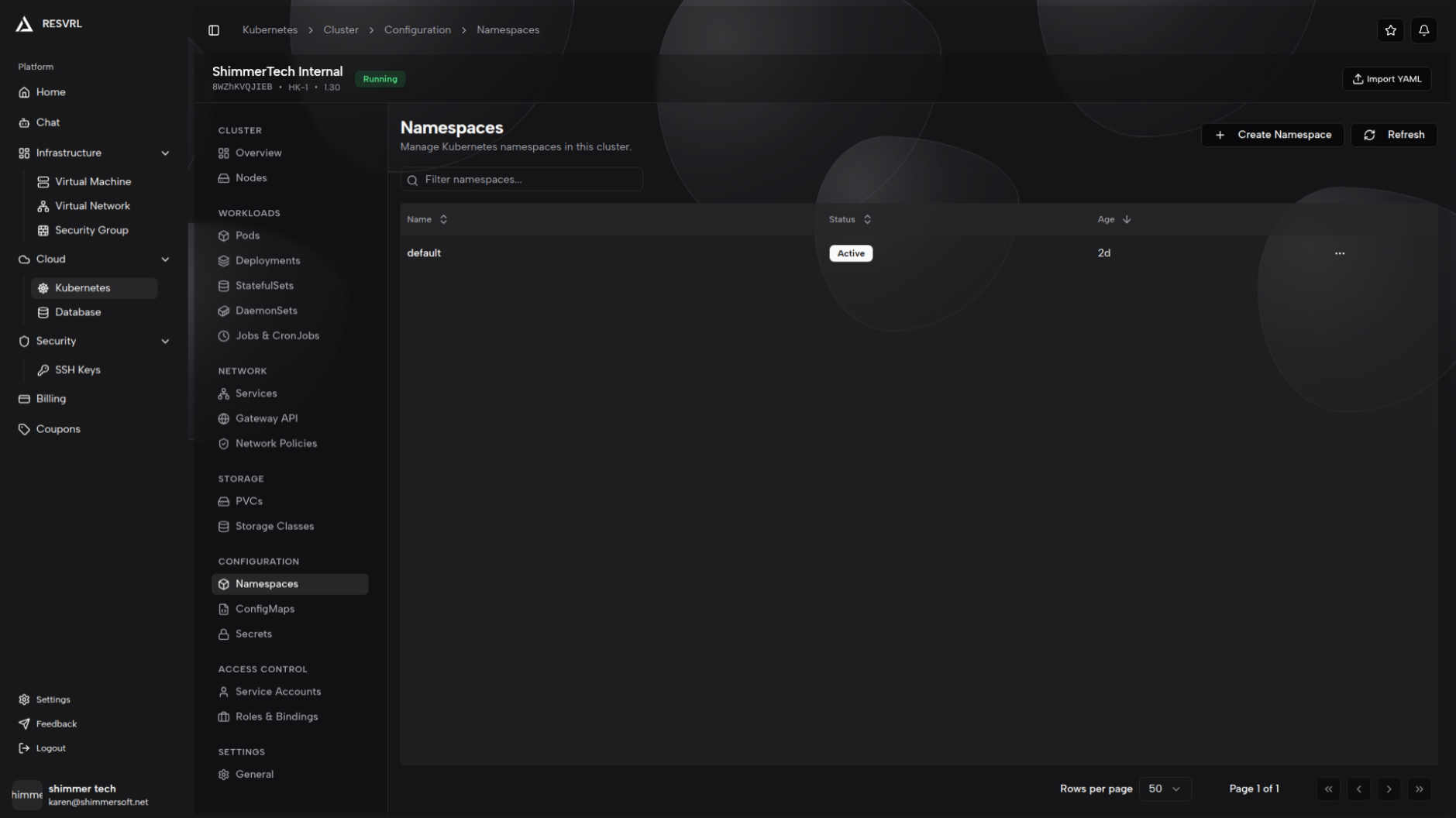
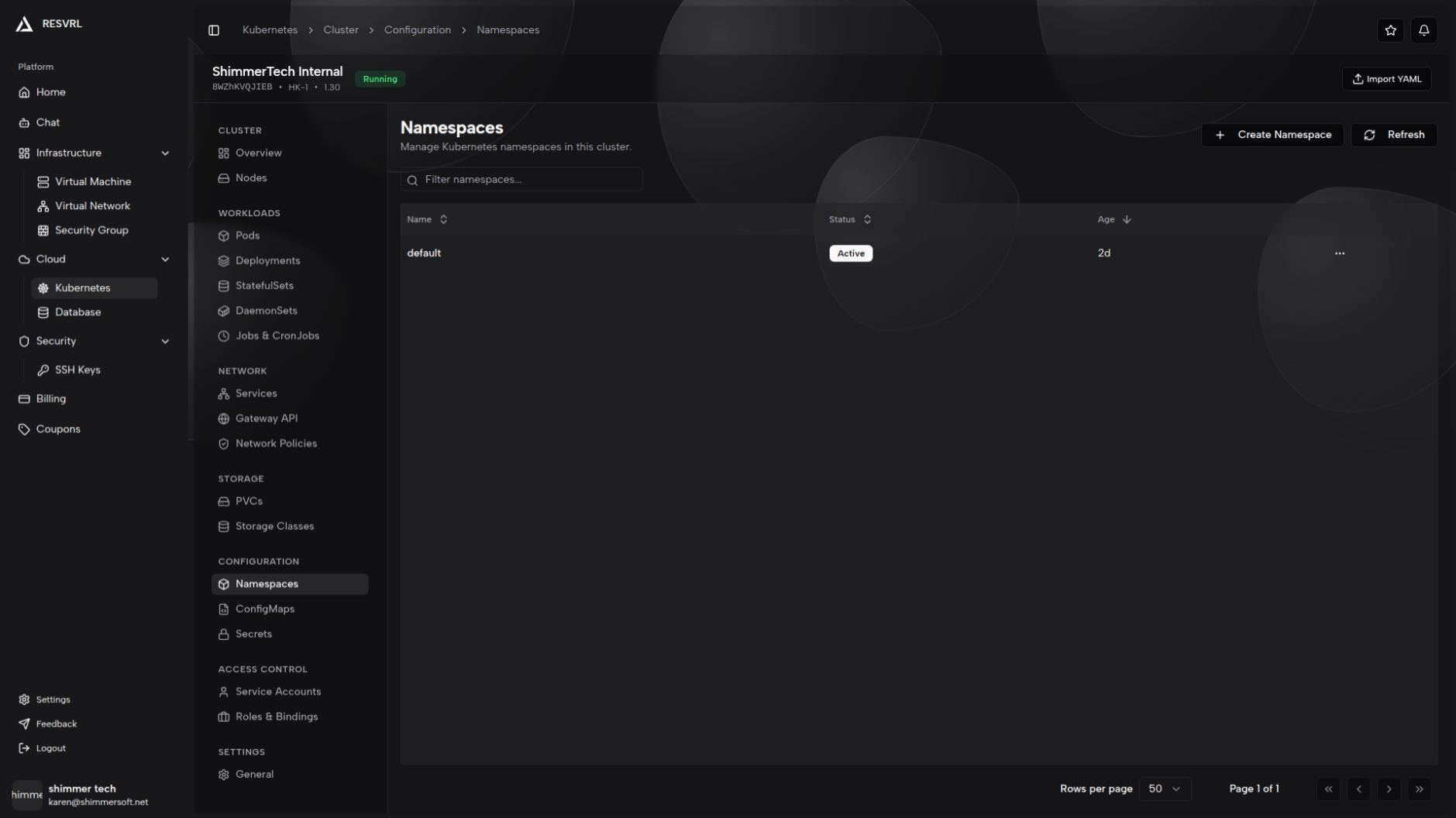
The Namespaces list page displays all namespaces in the cluster. The table includes columns for name, status, age, and description. You can search and filter by name, description, or status, with pagination support.
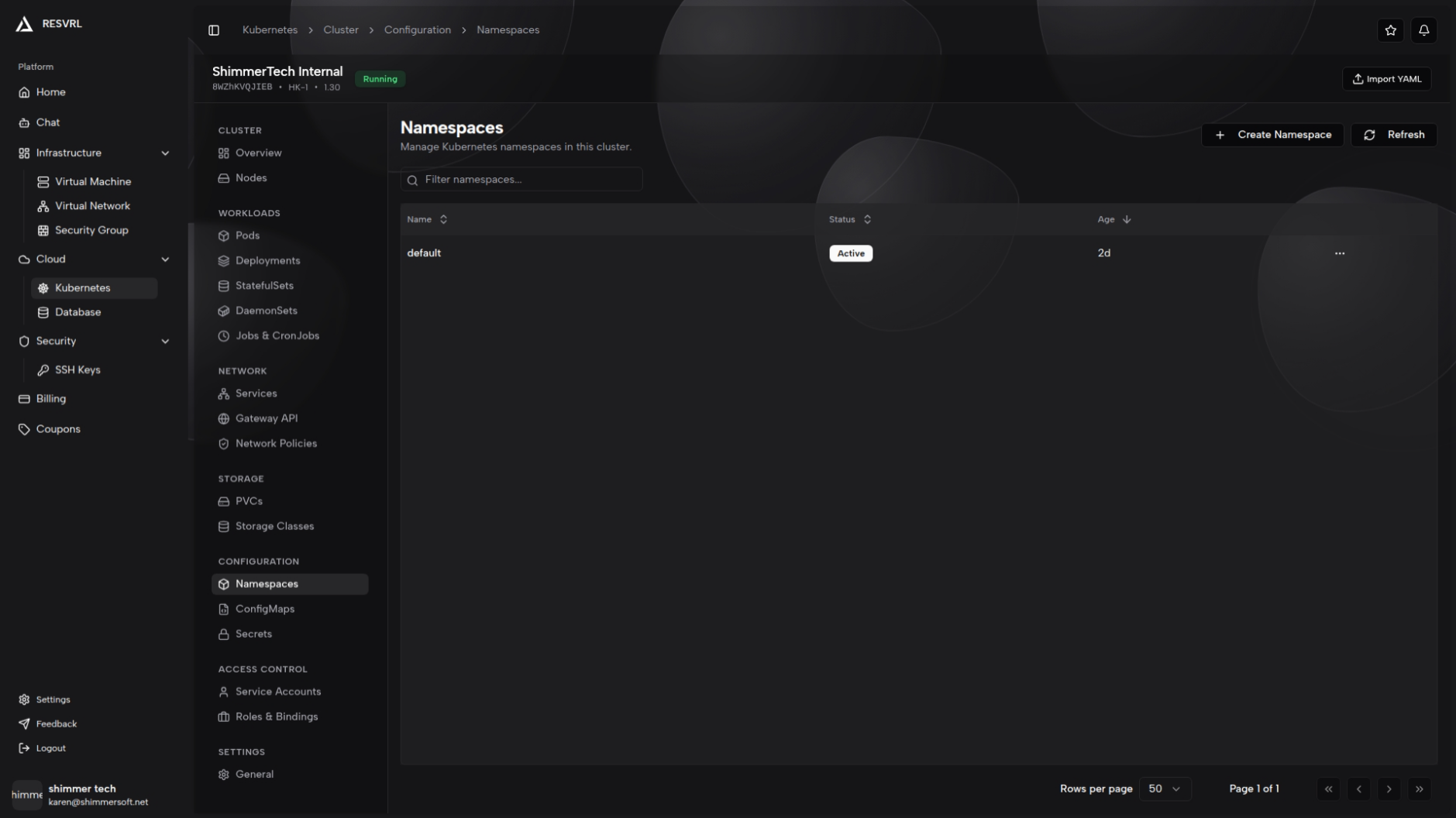
Create Namespace
Click the "Create Namespace" button to open the creation dialog. Enter a name and submit. The name can be up to 63 characters long and must contain only lowercase letters, numbers, and hyphens. It must not end with a hyphen. A success notification appears on creation; on failure, the specific error is displayed.
Delete Namespace
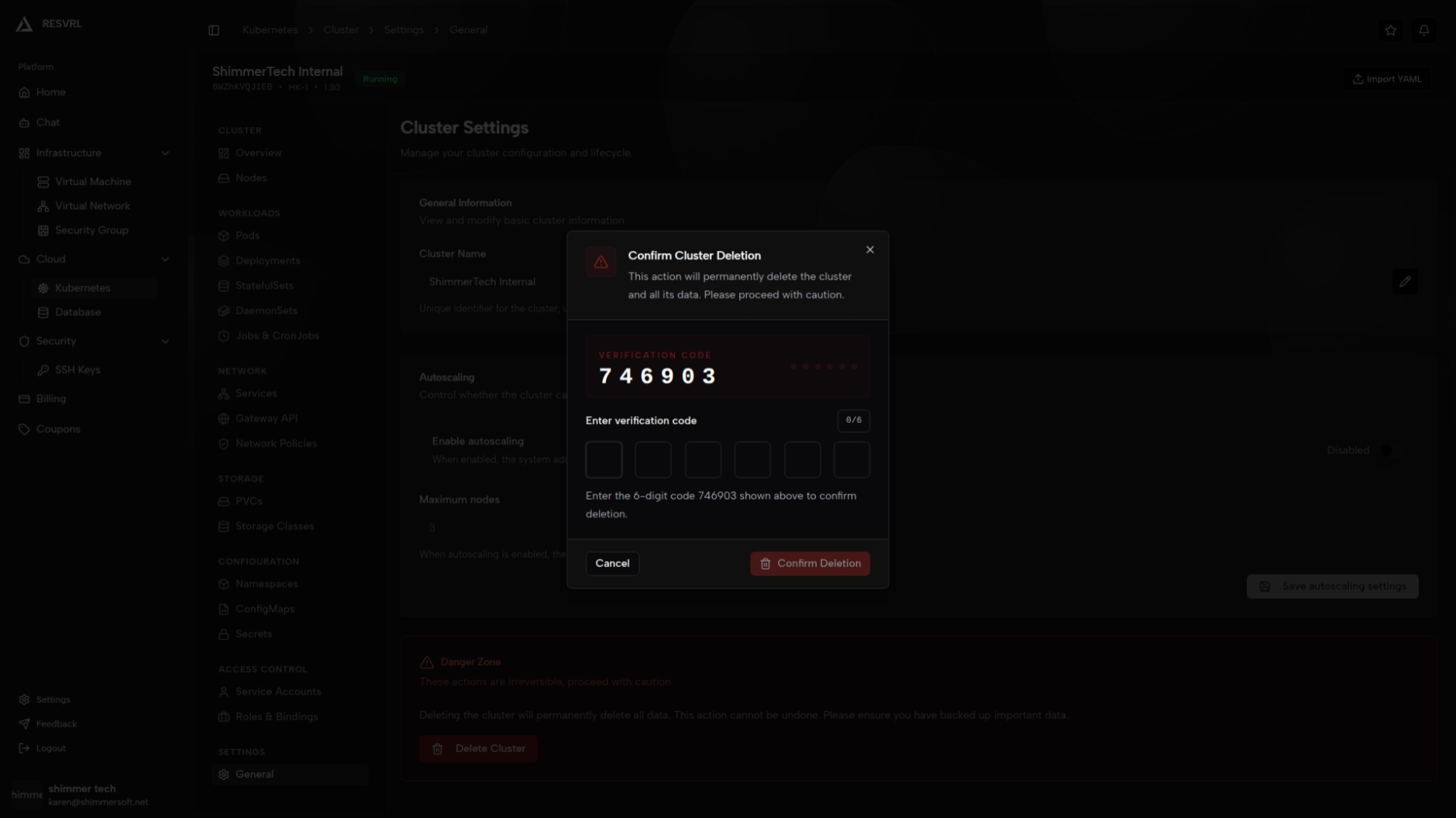
Select a target namespace from the list and click delete. Confirm the action in the dialog. Deleting a namespace removes all resources within it. This action is irreversible. Built-in namespaces (default, kube-system, kube-public) should not be deleted.
ConfigMaps
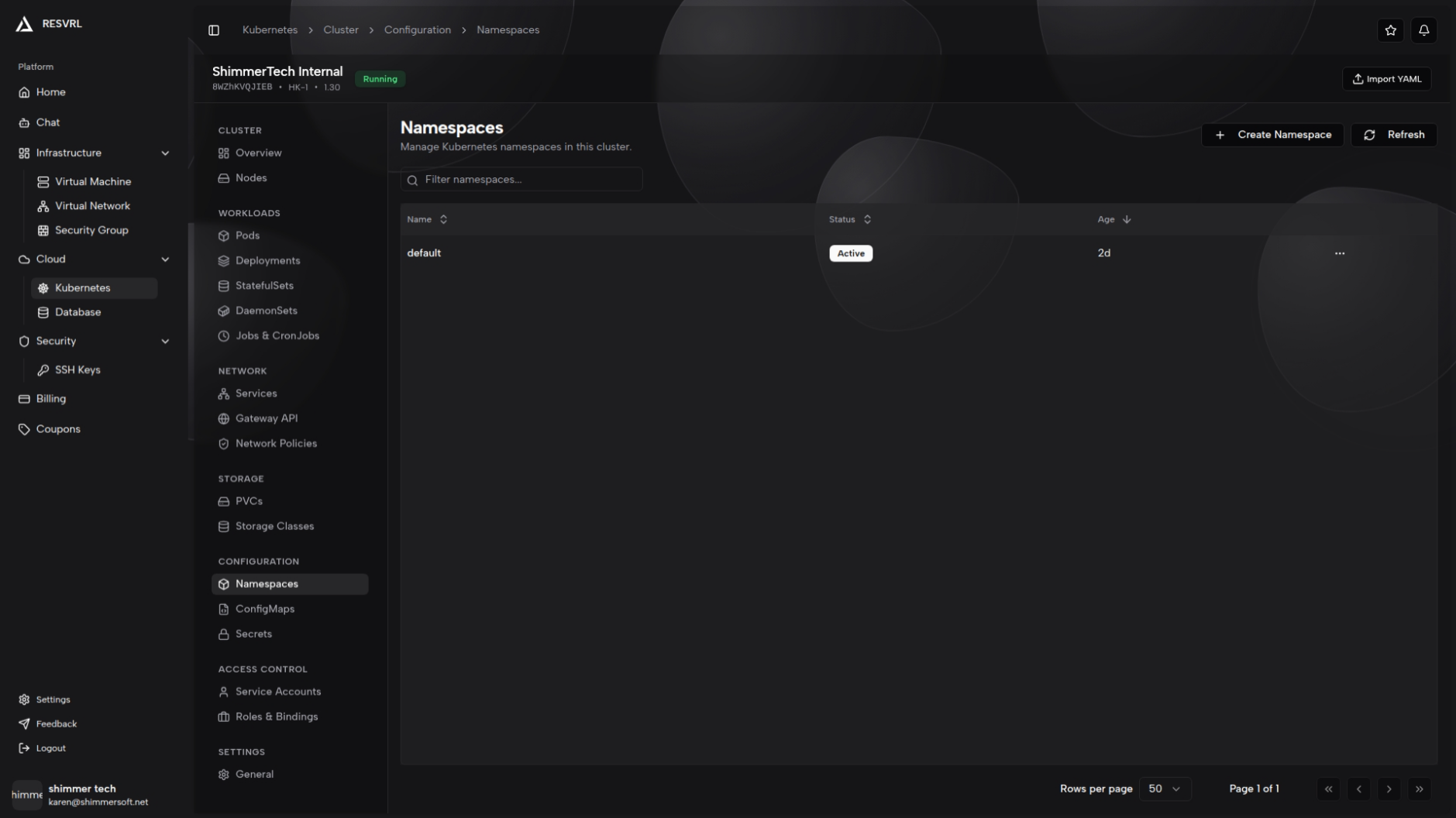
The ConfigMaps list page displays all ConfigMap resources. The table includes columns for name, namespace, data key count, and age. Namespace filtering and global search are available. Click a ConfigMap name to open its detail page.
ConfigMap Detail
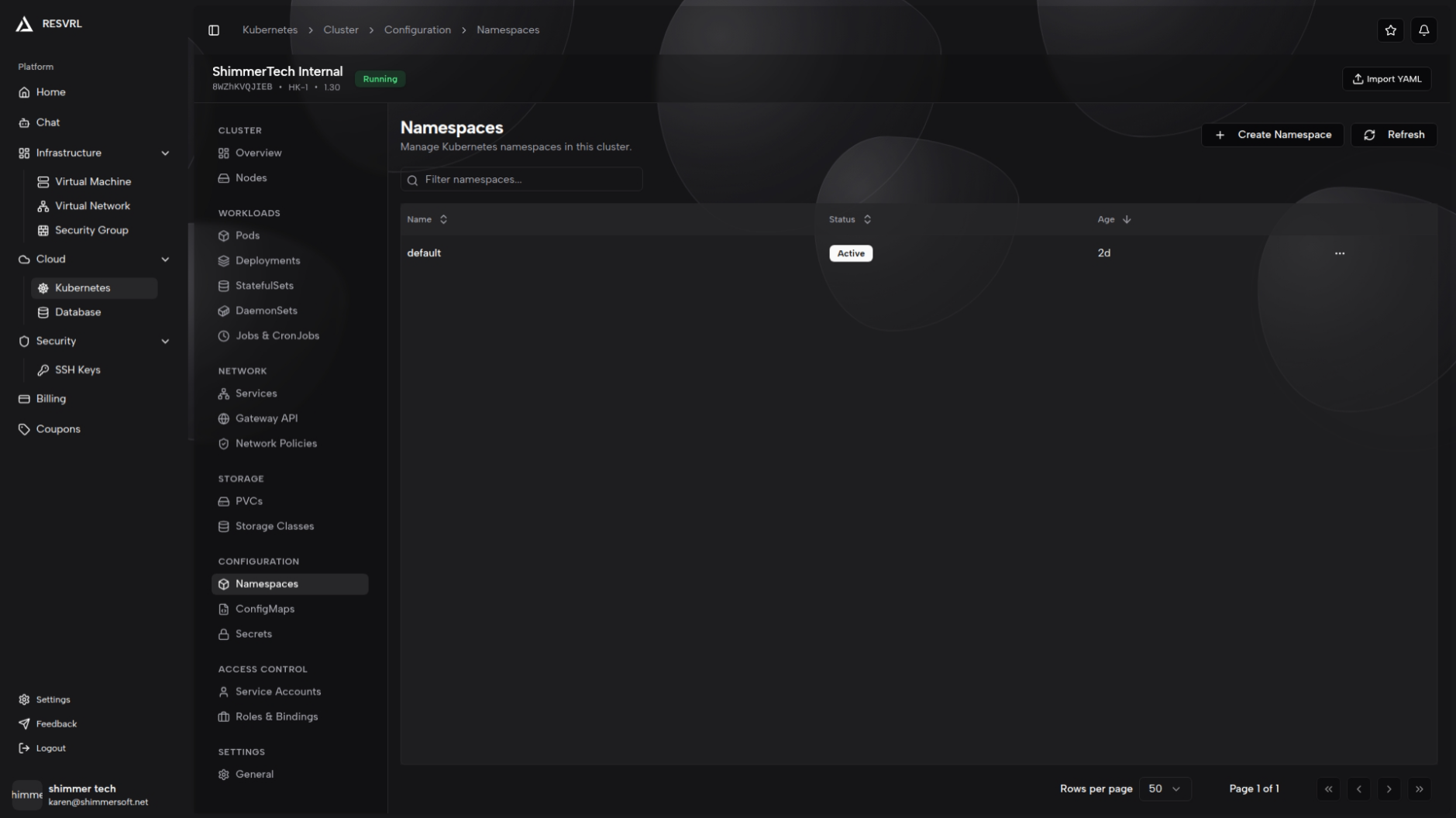
The detail page shows ConfigMap data as key-value pairs and provides a YAML view for inspecting or exporting the raw configuration. Editing (form mode or YAML mode) and deletion are supported.
Create and Edit ConfigMap
Two editing modes are available:
- Form mode: Fill in the name, namespace, and data key-value pairs. At least one data entry is required.
- YAML mode: Paste or edit the complete YAML content directly.
Name and namespace are required fields. ConfigMaps are designed for non-sensitive configuration data. Do not store passwords or keys in a ConfigMap. The maximum data size per ConfigMap is 1 MiB. After updating a ConfigMap, mounted Pods will not automatically receive the changes — you must restart the Pod.
Secrets
The Secrets list page displays all Secret resources. The table includes columns for name, namespace, type (e.g., Opaque, tls), data key count, and age. Namespace filtering and search are available.
Secret Detail
The detail page shows the Secret type and data contents, with values displayed in Base64 encoding. A YAML view is also available. Editing (form mode or YAML mode) and deletion are supported.
Create and Edit Secret
The workflow is the same as ConfigMap, supporting both form and YAML modes. Secret data is stored as Base64, but Base64 is not encryption — use RBAC rules to restrict access. Avoid leaking sensitive data in logs during editing. The maximum data size per Secret is 1 MiB.
Related Docs
This document was updated on 2026-04-25 09:00